Checking/Replacing Compensation Elements
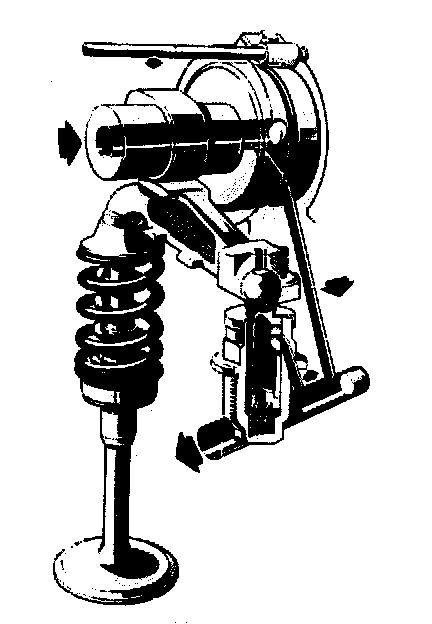
NOTE: Store compensating elements in upright position only and do not disassemble.
Reinstall rocker arms and compensating elements in the same Place from which they were removed.
In the event of complaints about noise, check compensating elements as follows:
Checking:
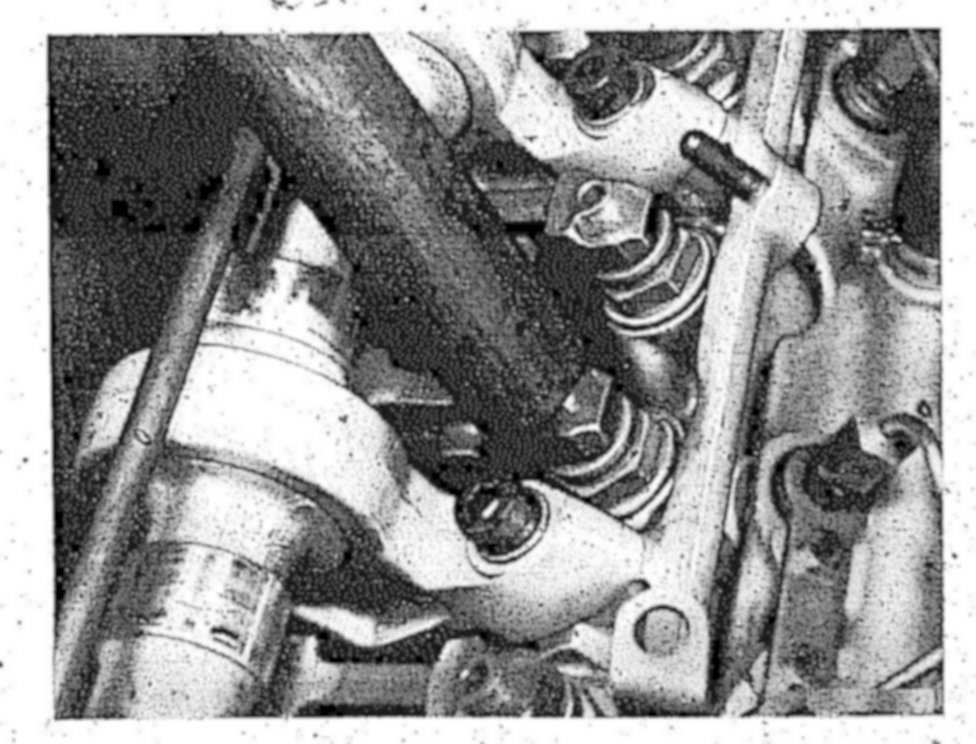
1 Place cam tip opposite rocker arm in upward position.
2 Push with handle of a hammer against rocker arm.
If the ball head pressure bolt drops too fast when compared with other pressure bolts, replace hydraulic valve clearance compensating element.
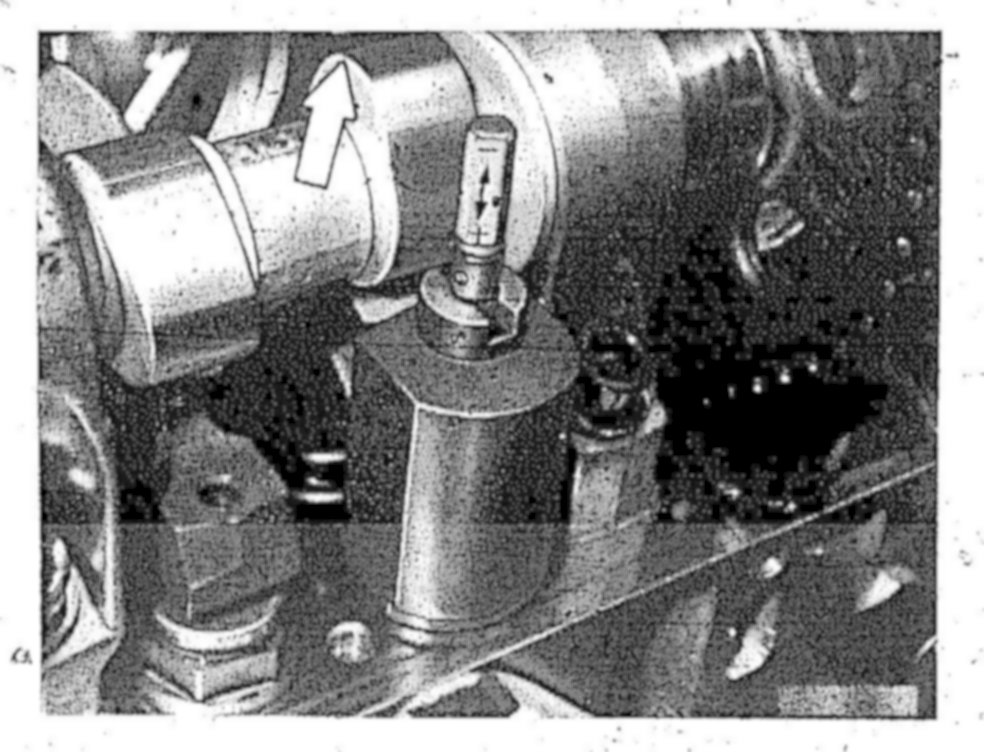
3 Try to move rocker arm manually.
If there is play, check basic position of compensating elements. Checking/Correcting Basic Setting of Compensation Elements
Replacing:
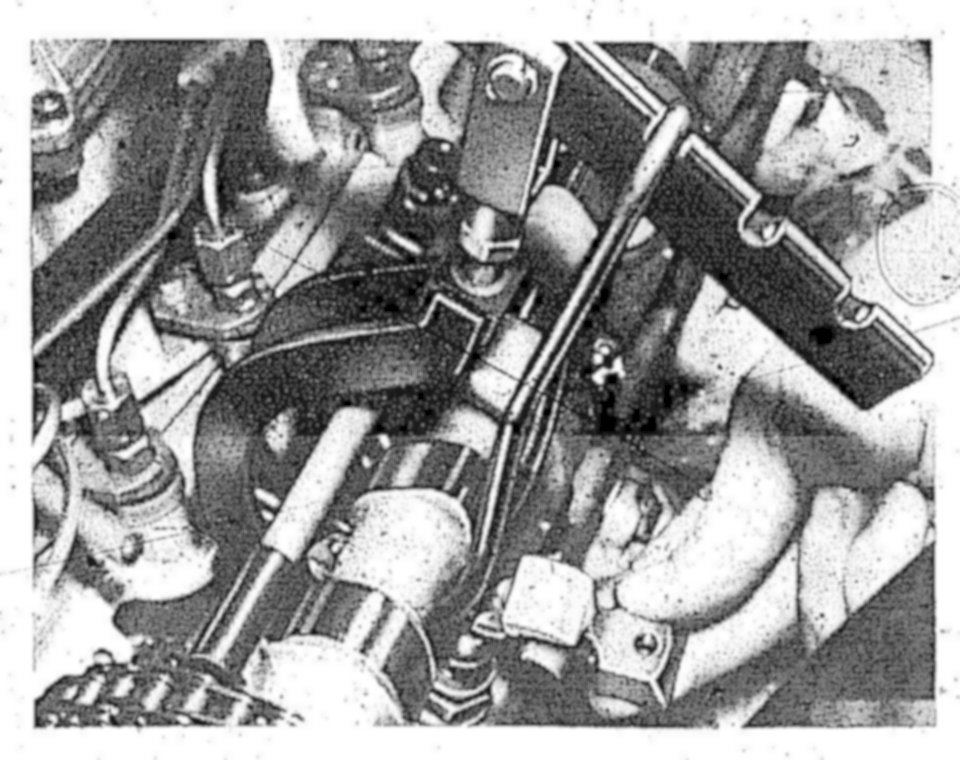
4 Remove rocker arm. Service and Repair
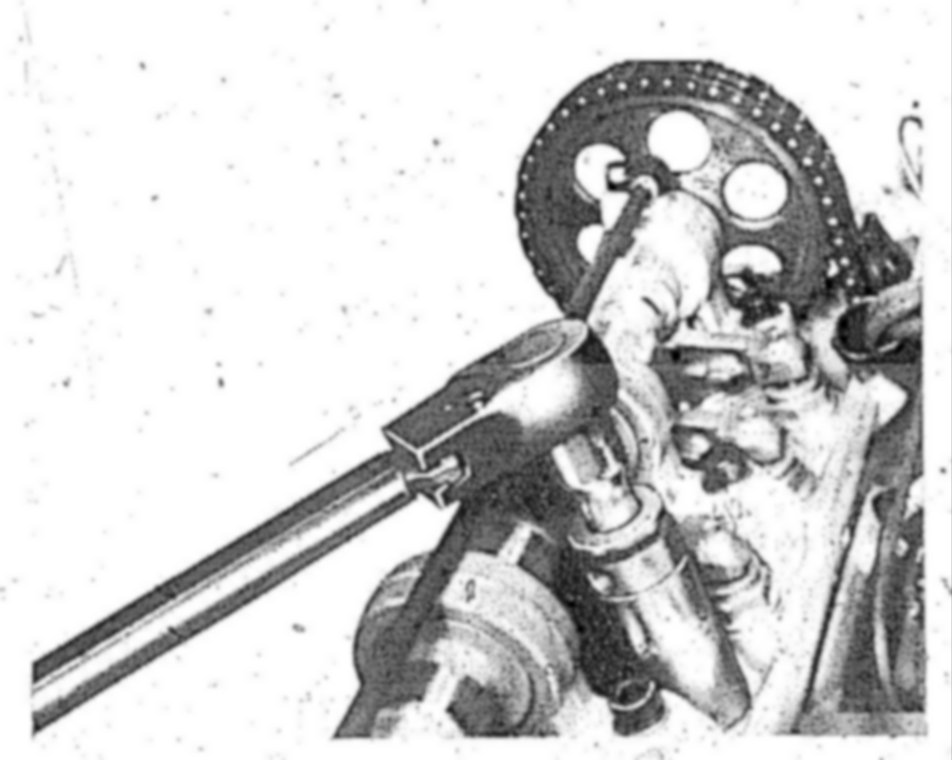
5 Unscrew compensating element with 24 mm socket
6 Lubricate threads of new compensating element, screw in and tighten to 60 Nm.
7 Install rocker arm.
8 Check basic setting. Checking/Correcting Basic Setting of Compensation Elements